Picking a Linux distribution is not only a beginner question. It affects patch windows, security behavior, package names, and how fast a Level 1 technician can solve incidents. If you train on one system and then support another in production, small differences can cause real downtime.
For 2026 training and entry-level operations, teams commonly work across Debian 13.3, Ubuntu 24.04.3 LTS, Ubuntu 25.10, Fedora 43, and enterprise fleets on RHEL 10.1 with some RHEL 9.7 systems still active. The good news is that core skills transfer. The important part is learning where they do not transfer automatically.
Start with workload and support window, not popularity
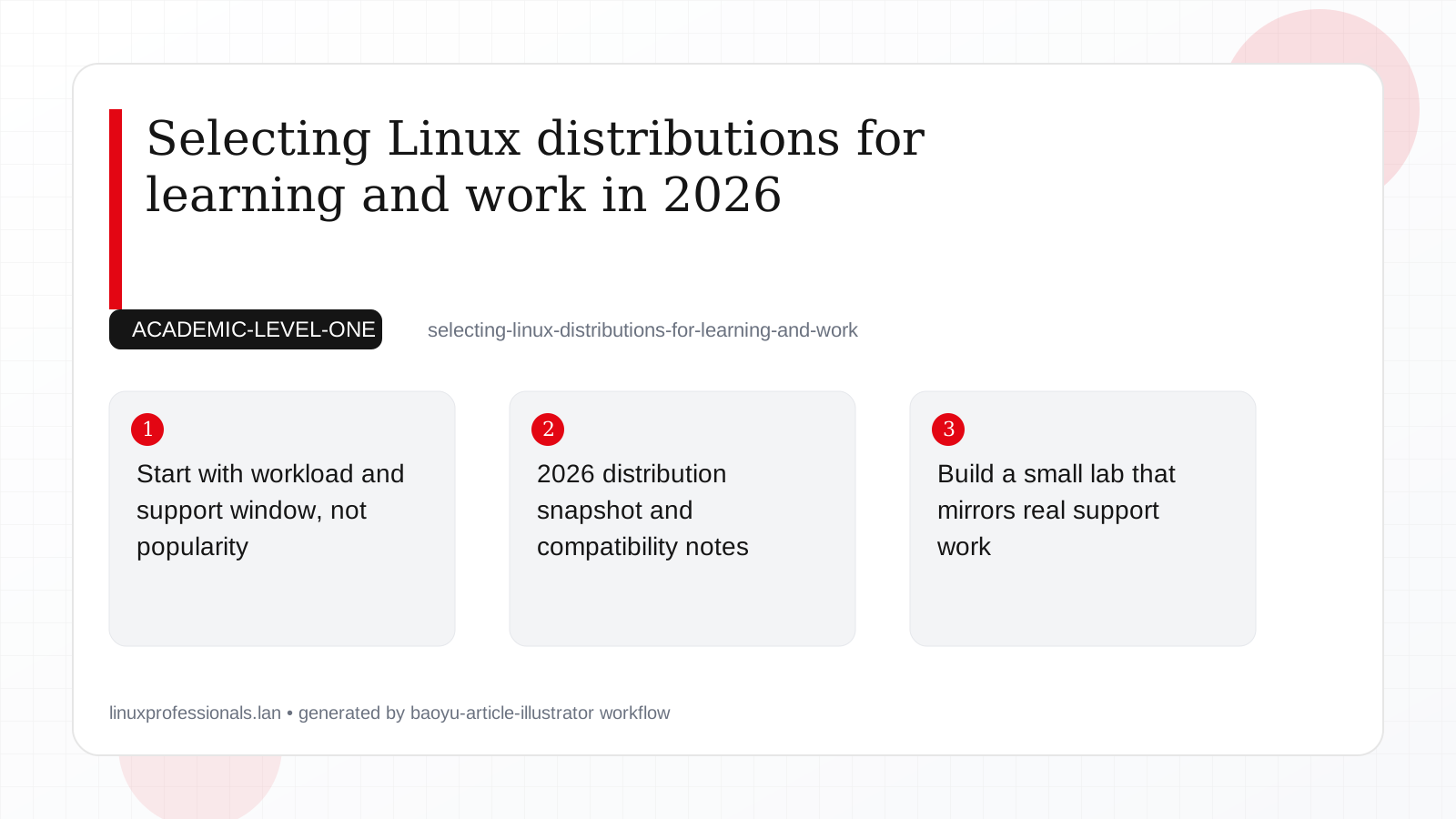
Many new technicians ask, "Which distro is best?" A better question is, "Which distro matches the system I need to run?" Linux choices are easier when you map them to workload and support needs.
- For long-lived production servers, predictable patching and vendor support usually matter more than new desktop features.
- For learning, you want clear documentation, fast package access, and enough community examples to copy safely.
- For enterprise jobs, you should practice on a distribution that behaves like customer systems, especially around security policy and package lifecycle.
Practical consequence: if your company has RHEL subscriptions, training only on Ubuntu can leave gaps in SELinux troubleshooting and repository management. On the other hand, if you are building a personal lab with no paid support, Debian and Ubuntu are often easier to start with because setup is quick and community instructions are everywhere.
2026 distribution snapshot and compatibility notes
This quick map helps you see where commands stay the same and where behavior changes.
| Distribution | Package workflow | Security default | Good fit |
|---|---|---|---|
| Debian 13.3 | apt | AppArmor available, conservative defaults | Stable server baseline and clean learning path |
| Ubuntu 24.04.3 LTS | apt plus snap where needed | AppArmor, UFW-friendly workflow | Production systems needing long support cycles |
| Ubuntu 25.10 | apt plus snap | AppArmor | Labs to learn newer userspace quickly |
| Fedora 43 | dnf | SELinux enforcing by default | Learning upstream-first tooling and policy checks |
| RHEL 10.1 | dnf with subscription repositories | SELinux and stricter enterprise crypto defaults | Contract-backed production operations |
RHEL 10.1 and RHEL 9.7 are highly compatible for daily administration: systemctl, dnf, journalctl, and firewall workflows are mostly unchanged. The main risk is assuming older crypto or package behavior. Legacy TLS endpoints that worked on older builds can fail under stricter defaults, so test integrations before upgrade windows.
Build a small lab that mirrors real support work
Do not learn with random one-off commands. Build a repeatable baseline on each distribution, then compare results. This makes differences visible early.
# 1) Identify the host clearly
cat /etc/os-release
uname -r

# 2) Install common support tools
if command -v apt >/dev/null 2>&1; then
  sudo apt update
  sudo apt install -y curl vim htop jq
elif command -v dnf >/dev/null 2>&1; then
  sudo dnf makecache
  sudo dnf install -y curl vim htop jq
fi

# 3) Confirm service tooling and logs
sudo systemctl is-system-running
sudo journalctl -p err -n 30 --no-pager
Why this matters in production: Level 1 incidents are often time-boxed. If you already know where to find package, service, and log information on each distro, you can provide a useful incident update in minutes instead of guessing.
For mixed fleets, keep one shared runbook and small distro-specific notes. Example: write one "web service down" procedure, then add branches for apt vs dnf and AppArmor vs SELinux checks.
Understand the security model differences before outages happen
Beginners often see "permission denied" and only check file ownership. That is not enough. On Fedora 43 and RHEL 10.1, SELinux can block access even when Unix permissions look correct. On Debian 13.3 and Ubuntu variants, AppArmor profiles can do similar blocking for specific services.
# SELinux path (Fedora / RHEL)
getenforce
sudo ausearch -m avc -ts recent
sudo journalctl -t setroubleshoot -n 20 --no-pager

# AppArmor path (Debian / Ubuntu)
sudo aa-status
sudo journalctl -k | grep -i apparmor | tail -n 20
Operational consequence: if you restart a service three times without checking policy logs, you create noise and lose recovery time. A better Level 1 pattern is "check service status, check logs, check security policy," then escalate with evidence.
Compatibility note for RHEL 9.7 and 10.1: policy tooling stays familiar, but profile content can differ between minor versions. Always validate security-sensitive applications in staging after updates.
Use a decision checklist for learning and for work
This simple checklist prevents emotional decisions and keeps your training useful for jobs.
- What does production run today: Debian/Ubuntu family or Fedora/RHEL family?
- Do you need long support windows now? If yes, start with Ubuntu 24.04.3 LTS or RHEL tracks.
- Do you need to understand SELinux deeply for target jobs? If yes, include Fedora 43 and RHEL practice early.
- Do you need enterprise compatibility? Validate scripts on both RHEL 9.7 and RHEL 10.1.
- Can your team support the update pace? Ubuntu 25.10 and Fedora move faster than LTS/enterprise lines.
For most entry-level technicians, a practical path is: start on Ubuntu 24.04.3 LTS or Debian 13.3 to learn core administration, then add Fedora 43 to build SELinux and modern packaging confidence, then test procedures on RHEL 10.1 with RHEL 9.7 compatibility checks if your target environment is enterprise.
Conclusion
Selecting a distribution is about fit, not brand loyalty. Debian 13.3 and Ubuntu 24.04.3 LTS are strong learning and production bases for many teams. Ubuntu 25.10 is useful for lab exposure to newer components. Fedora 43 is valuable for upstream behavior and SELinux practice. RHEL 10.1 is the enterprise anchor, and RHEL 9.7 compatibility still matters during transitions. If you train with these differences in mind, your first production incidents become structured troubleshooting tasks instead of trial-and-error.


