sed: The Stream Editor
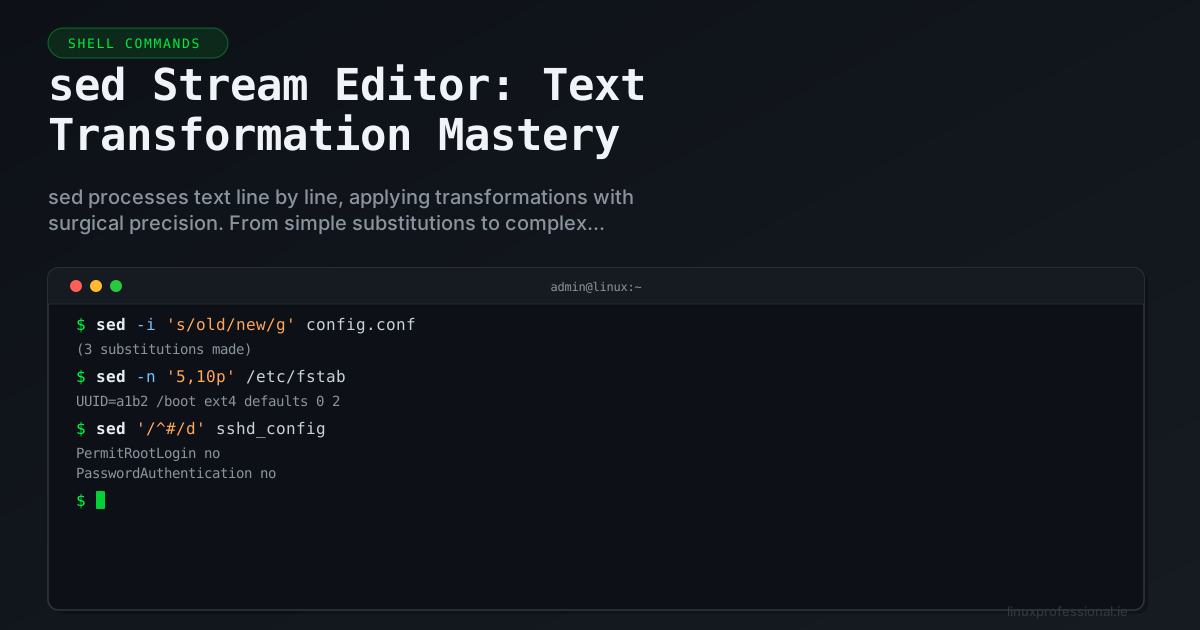
sed (stream editor) processes text line by line, applying specified transformations. It's a non-interactive editor that's perfect for automated text processing in scripts and pipelines.
Basic Substitution
# Replace first occurrence on each line
sed 's/old/new/' file.txt

# Replace all occurrences (global)
sed 's/old/new/g' file.txt

# Case-insensitive replacement (GNU sed)
sed 's/error/warning/gI' logfile

# Edit file in-place
sed -i 's/old/new/g' file.txt

# In-place with backup
sed -i.bak 's/old/new/g' file.txt
Address Selection
# Apply to specific line
sed '5s/foo/bar/' file.txt

# Apply to line range
sed '10,20s/foo/bar/g' file.txt

# Apply from pattern to pattern
sed '/START/,/END/s/foo/bar/g' file.txt

# Apply to lines matching a pattern
sed '/error/s/log/LOG/g' file.txt

# Apply to all lines EXCEPT matching
sed '/^#/!s/debug/production/g' config.txt
Deletion and Insertion
# Delete lines
sed '5d' file.txt                    # Delete line 5
sed '/^$/d' file.txt                 # Delete empty lines
sed '/^#/d' file.txt                 # Delete comment lines
sed '1,10d' file.txt                 # Delete lines 1-10

# Insert before a line
sed '3i\New line inserted before line 3' file.txt

# Append after a line
sed '3a\New line appended after line 3' file.txt

# Insert before matching pattern
sed '/^server/i\# Added by automation' config.txt
Practical Sysadmin Examples
# Update SSH config safely
sed -i 's/^#PermitRootLogin.*/PermitRootLogin no/' /etc/ssh/sshd_config
sed -i 's/^#PasswordAuthentication.*/PasswordAuthentication no/' /etc/ssh/sshd_config

# Fix file permissions in bulk
find /var/www -name "*.php" -exec sed -i '1s/^/
Advanced Techniques
# Hold space operations (swap lines)
sed '/PATTERN/{h;d};/MARKER/{G}' file.txt

# Transform case
sed 's/.*/\L&/' file.txt     # Lowercase all
sed 's/.*/\U&/' file.txt     # Uppercase all
sed 's/\b./\u&/g' file.txt   # Title case

# Back-references
sed 's/\(.*\)@\(.*\)/User: \1, Domain: \2/' emails.txt

# Multiline: join continuation lines (ending with \)
sed ':a;/\\$/N;s/\\\n//;ta' Makefile
sed is the invisible workhorse behind countless automation scripts. Its one-liner power makes it indispensable for configuration management, log processing, and text transformation at scale.
Share this article