find: The Filesystem Swiss Army Knife
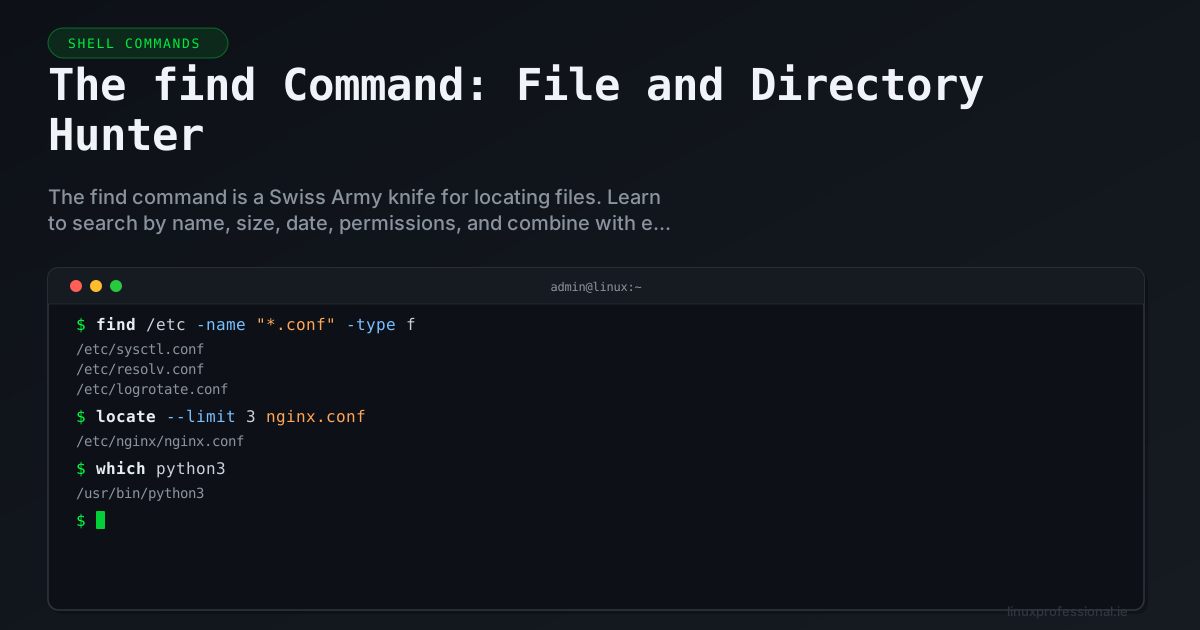
While grep searches inside files, find searches for files themselves. It walks directory trees, tests each file against your criteria, and can perform actions on matches. It's indispensable for maintenance, cleanup, and automation tasks.
Basic Search Patterns
# Find by name
find /var -name "*.log"
find /etc -name "nginx.conf"

# Case-insensitive name search
find / -iname "readme*"

# Find by type
find /home -type f          # Files only
find /etc -type d           # Directories only
find /dev -type l           # Symbolic links
find /dev -type b           # Block devices

# Find in current directory, limited depth
find . -maxdepth 2 -name "*.php"
find . -mindepth 1 -maxdepth 1 -type d   # Immediate subdirectories
Search by Properties
# By size
find /var/log -size +100M               # Larger than 100MB
find /tmp -size -1k                     # Smaller than 1KB
find / -size +1G -type f 2>/dev/null    # Find files > 1GB

# By modification time
find /var -mtime -1         # Modified in last 24 hours
find /tmp -mtime +30        # Not modified in 30 days
find /etc -mmin -60         # Modified in last 60 minutes
find . -newer reference.txt # Newer than a reference file

# By permissions
find / -perm 777 -type f          # World-writable files (security!)
find / -perm -4000 -type f        # SUID binaries
find / -perm -2000 -type f        # SGID binaries
find /home -not -perm -o=r        # Not world-readable

# By ownership
find / -user nobody -type f
find /var -group www-data
find / -nouser -o -nogroup        # Orphaned files
Combining Criteria
# AND (implicit)
find /var/log -name "*.log" -size +10M -mtime +7

# OR operator
find /etc \( -name "*.conf" -o -name "*.cfg" \)

# NOT operator
find . -not -name "*.tmp"

# Complex combinations
find / -type f \( -perm -4000 -o -perm -2000 \) -not -path "/proc/*" 2>/dev/null
Executing Actions
# Execute a command on each result
find /tmp -name "*.tmp" -mtime +7 -exec rm {} \;

# More efficient: batch execution with +
find /var/log -name "*.gz" -mtime +90 -exec rm {} +

# Interactive deletion
find /home -name "core.*" -exec rm -i {} \;

# Complex commands with sh -c
find . -name "*.php" -exec sh -c 'echo "Checking: $1" && php -l "$1"' _ {} \;

# Using xargs for parallel execution
find . -name "*.jpg" -print0 | xargs -0 -P 4 -I{} convert {} -resize 800x600 resized/{}

# Practical: fix permissions
find /var/www -type d -exec chmod 755 {} +
find /var/www -type f -exec chmod 644 {} +
Real-World Maintenance Recipes
# Disk space cleanup: find largest files
find / -type f -exec du -h {} + 2>/dev/null | sort -rh | head -20

# Security audit: find world-writable directories
find / -type d -perm -o=w -not -path "/proc/*" -not -path "/tmp" 2>/dev/null

# Find recently modified config files
find /etc -name "*.conf" -mmin -120 -ls

# Find empty directories for cleanup
find . -type d -empty

# Backup specific file types
find /var/www -name "*.php" -exec tar -rf backup.tar {} +
The find command's composability makes it incredibly powerful. Combined with exec, xargs, and shell pipes, there's virtually no file management task it can't handle.
Share this article