Why Firewalld?
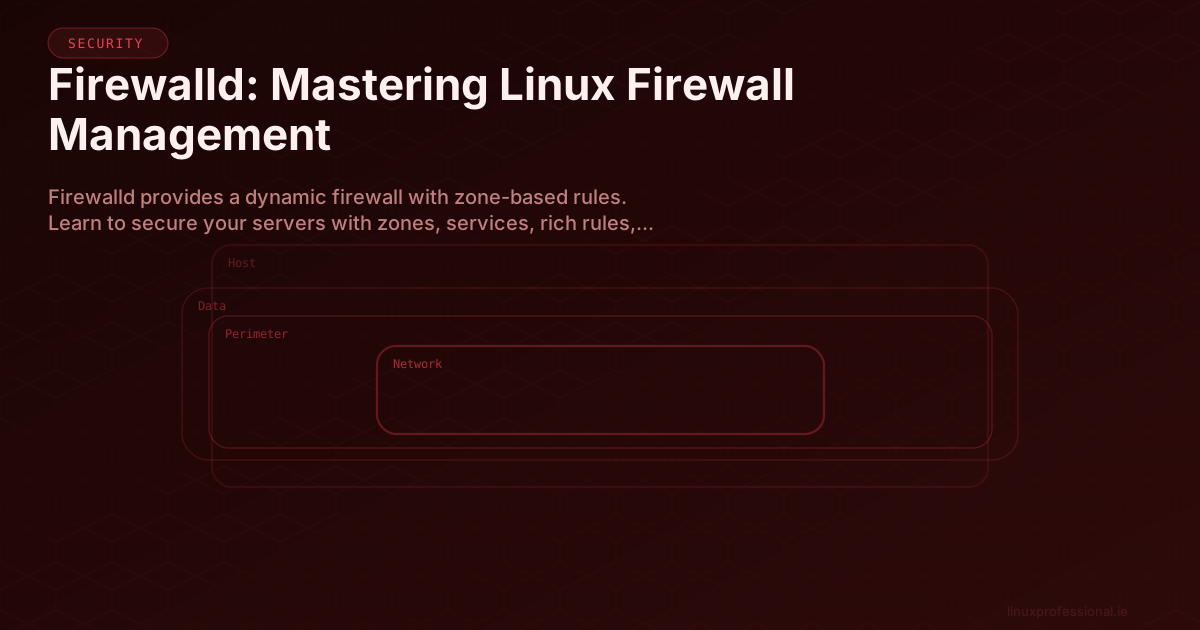
Firewalld is the default firewall management tool on RHEL, CentOS, Fedora, and their derivatives. It provides a dynamic, zone-based firewall that can be modified at runtime without restarting the firewall service — a massive advantage over traditional iptables.
Core Concepts
Zones
Zones define the trust level for network connections. Each network interface is assigned to a zone:
# List all zones
firewall-cmd --get-zones

# Default zones (from least to most trusted):
# drop      → Drop all incoming, no reply
# block     → Reject incoming with icmp-prohibited
# public    → Default. Untrusted networks
# external  → For NAT/masquerading
# dmz       → Demilitarized zone
# work      → Trusted work networks
# home      → Home networks
# internal  → Internal networks
# trusted   → Accept all traffic
Essential Commands
# Check status
firewall-cmd --state
systemctl status firewalld

# View current configuration
firewall-cmd --list-all
firewall-cmd --list-all --zone=public

# View all zones with their configurations
firewall-cmd --list-all-zones

# Get default zone
firewall-cmd --get-default-zone

# Set default zone
firewall-cmd --set-default-zone=public
Managing Services and Ports
# Allow a service (runtime only)
firewall-cmd --add-service=http
firewall-cmd --add-service=https

# Make changes permanent
firewall-cmd --add-service=http --permanent
firewall-cmd --add-service=https --permanent
firewall-cmd --reload

# Or add runtime + permanent in one step
firewall-cmd --add-service=ssh --permanent
firewall-cmd --runtime-to-permanent

# Open specific ports
firewall-cmd --add-port=8080/tcp --permanent
firewall-cmd --add-port=5000-5100/tcp --permanent

# Remove a service or port
firewall-cmd --remove-service=ftp --permanent
firewall-cmd --remove-port=8080/tcp --permanent

# List allowed services
firewall-cmd --list-services
firewall-cmd --list-ports
Rich Rules
Rich rules provide fine-grained control for complex scenarios:
# Allow SSH only from specific subnet
firewall-cmd --permanent --add-rich-rule='
    rule family="ipv4"
    source address="10.0.0.0/8"
    service name="ssh"
    accept'

# Rate limit connections (prevent brute force)
firewall-cmd --permanent --add-rich-rule='
    rule family="ipv4"
    service name="ssh"
    accept
    limit value="10/m"'

# Log and drop traffic from an IP
firewall-cmd --permanent --add-rich-rule='
    rule family="ipv4"
    source address="192.168.1.100"
    log prefix="BLOCKED: " level="warning"
    drop'

# Port forwarding
firewall-cmd --permanent --add-rich-rule='
    rule family="ipv4"
    forward-port port="80" protocol="tcp" to-port="8080"'
Production Server Hardening
#!/bin/bash
# Production web server firewall setup

# Reset to defaults
firewall-cmd --set-default-zone=public

# Remove unnecessary services
firewall-cmd --permanent --remove-service=cockpit
firewall-cmd --permanent --remove-service=dhcpv6-client

# Allow only what's needed
firewall-cmd --permanent --add-service=http
firewall-cmd --permanent --add-service=https
firewall-cmd --permanent --add-service=ssh

# Restrict SSH to management network
firewall-cmd --permanent --add-rich-rule='
    rule family="ipv4"
    source address="10.0.0.0/24"
    service name="ssh"
    accept'

# Enable logging of denied packets
firewall-cmd --permanent --set-log-denied=unicast

# Apply changes
firewall-cmd --reload
firewall-cmd --list-all
Firewalld's zone-based architecture and runtime/permanent separation make it ideal for production environments where you need both flexibility and safety. Always test rules at runtime before making them permanent.
Share this article